Product tour
Screens from the demo organization.
These are the app, signed in, not illustrations. The organization is on the Forest theme: deep green sidebar, paper canvas, serif titles. Your organization can pick another theme in settings.
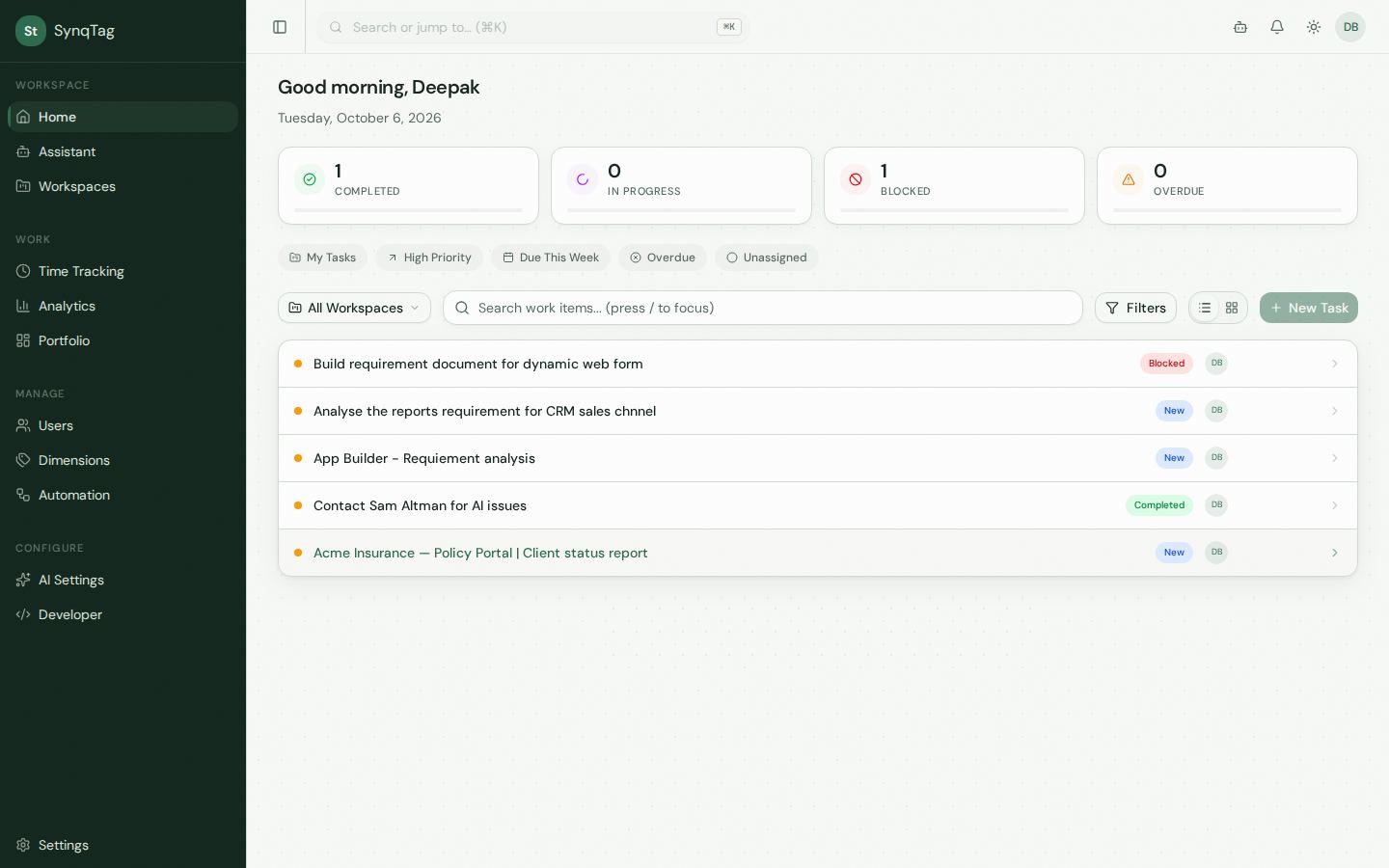
Home
The day starts with counts for completed, in progress, blocked, and overdue, then the items across workspaces. Search is here, and also in the command palette with ⌘K.
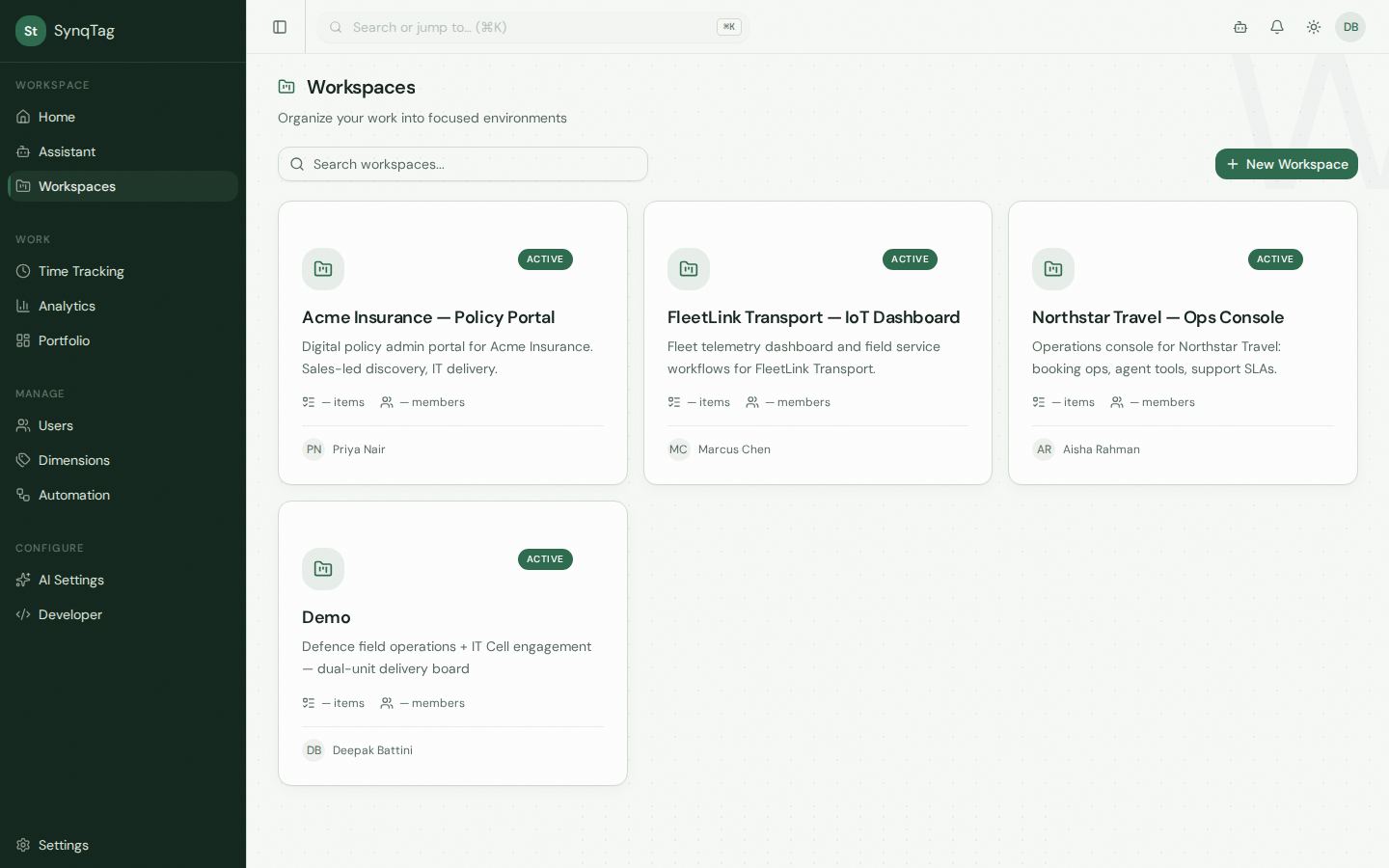
Workspaces
The demo holds four: a policy portal, a fleet dashboard, a travel ops console, and a field-operations board. Each one has its own members, pages, and budget.
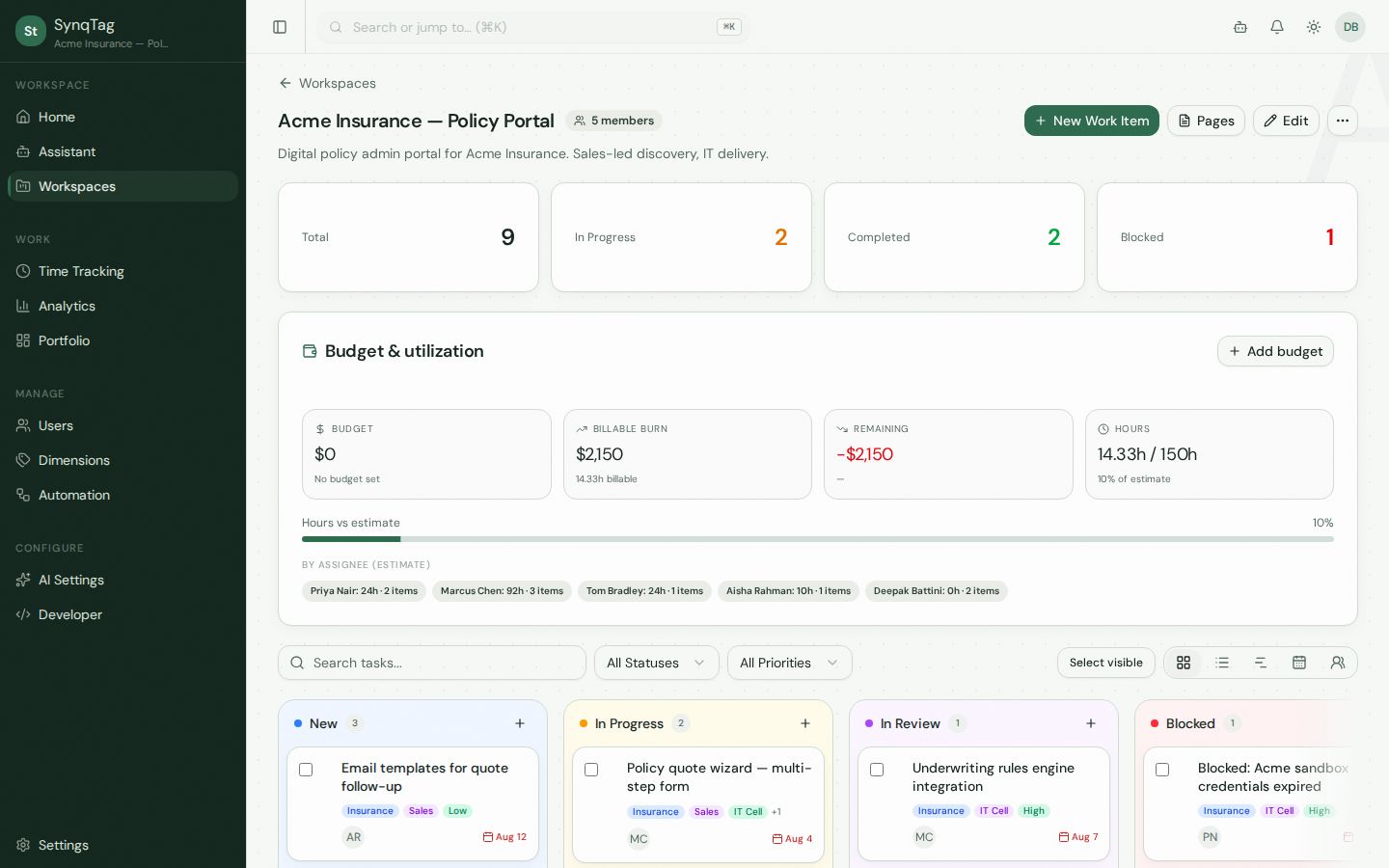
Five views
Same workspace, Acme Insurance — Policy Portal. The budget panel stays put. The view underneath changes.
Drag a card between columns. Tags from different dimensions sit on the same card.
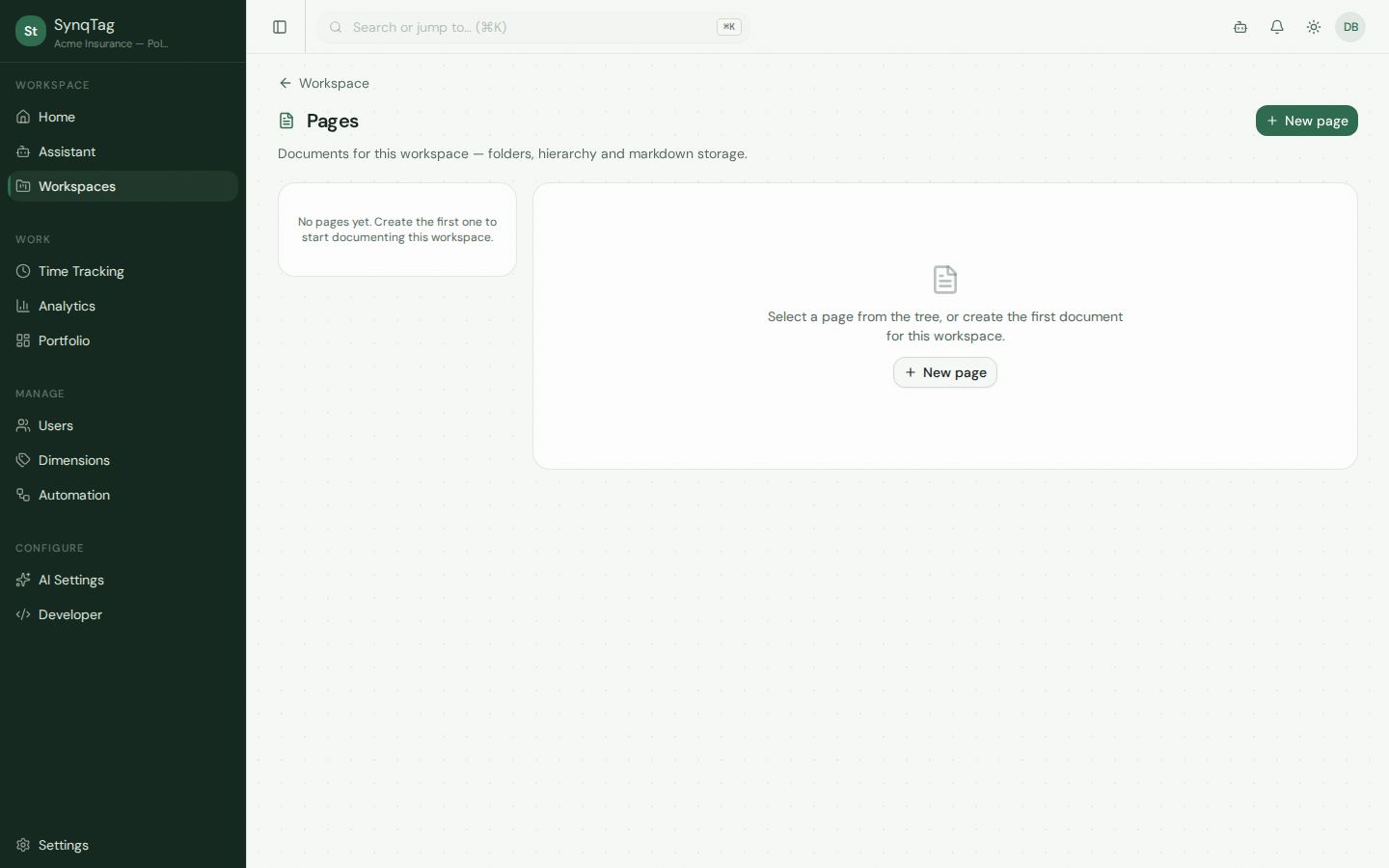
Pages
A workspace can hold a tree of documents: folders and markdown. The Acme demo had not started one, so this is the empty state, not a mockup of a finished manual.
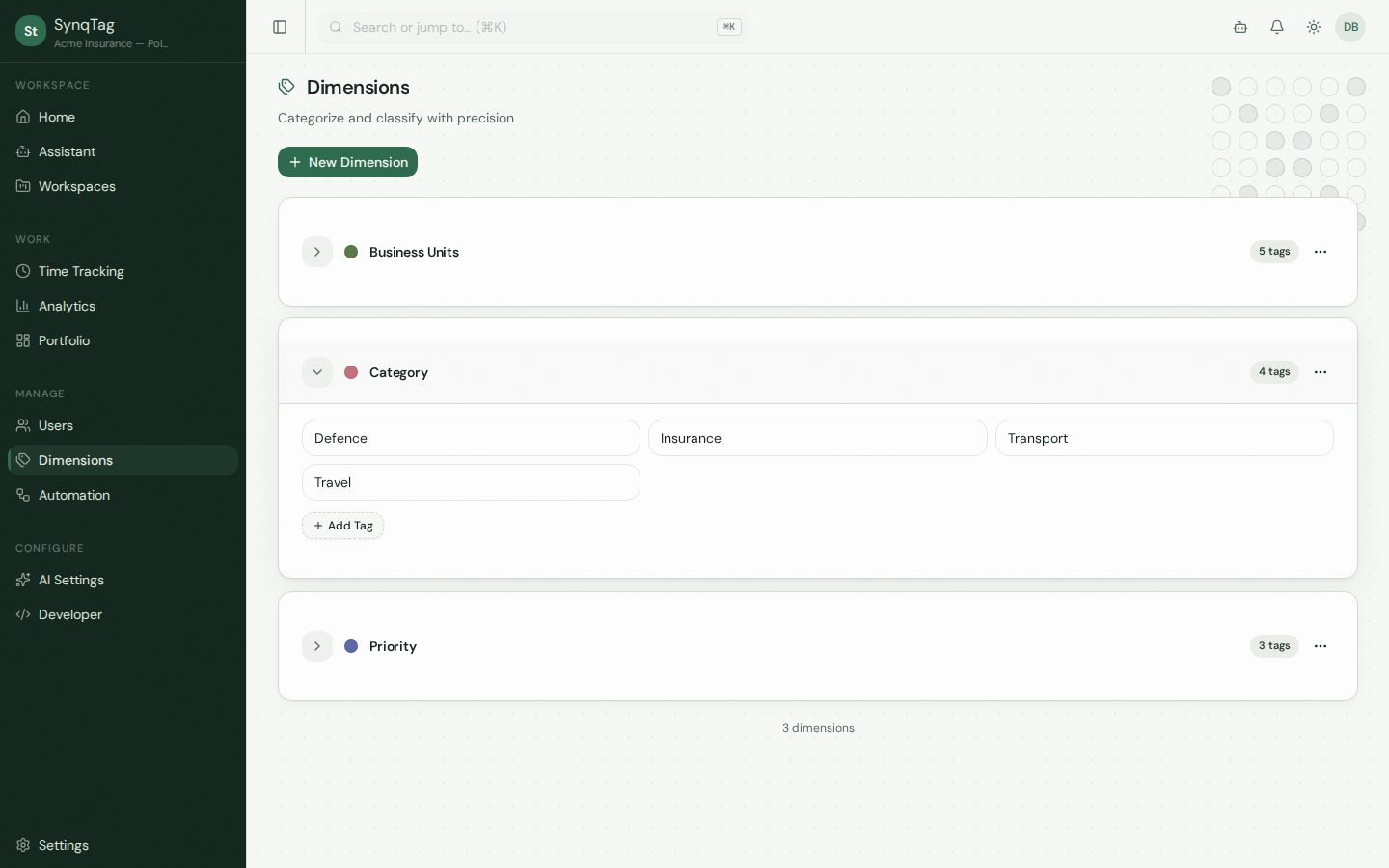
Dimensions
Business Units, Category, and Priority. Open one to edit its tags. Cards on the board show tags from more than one dimension at once.
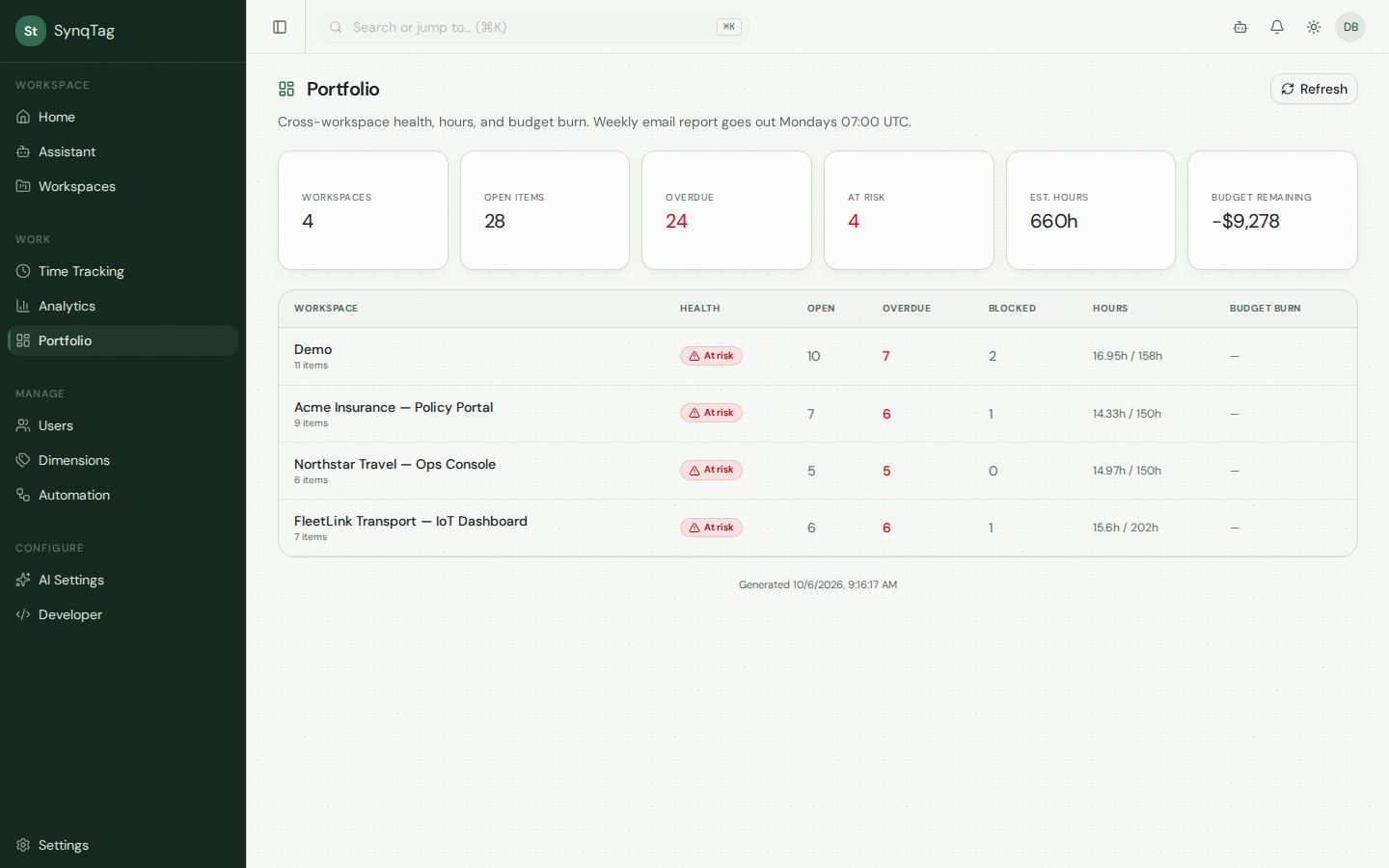
Portfolio
Health, open, overdue, blocked, hours, and budget burn for every workspace. This shot is the demo on 6 October 2026: 28 open items, 24 overdue, 660 estimated hours.
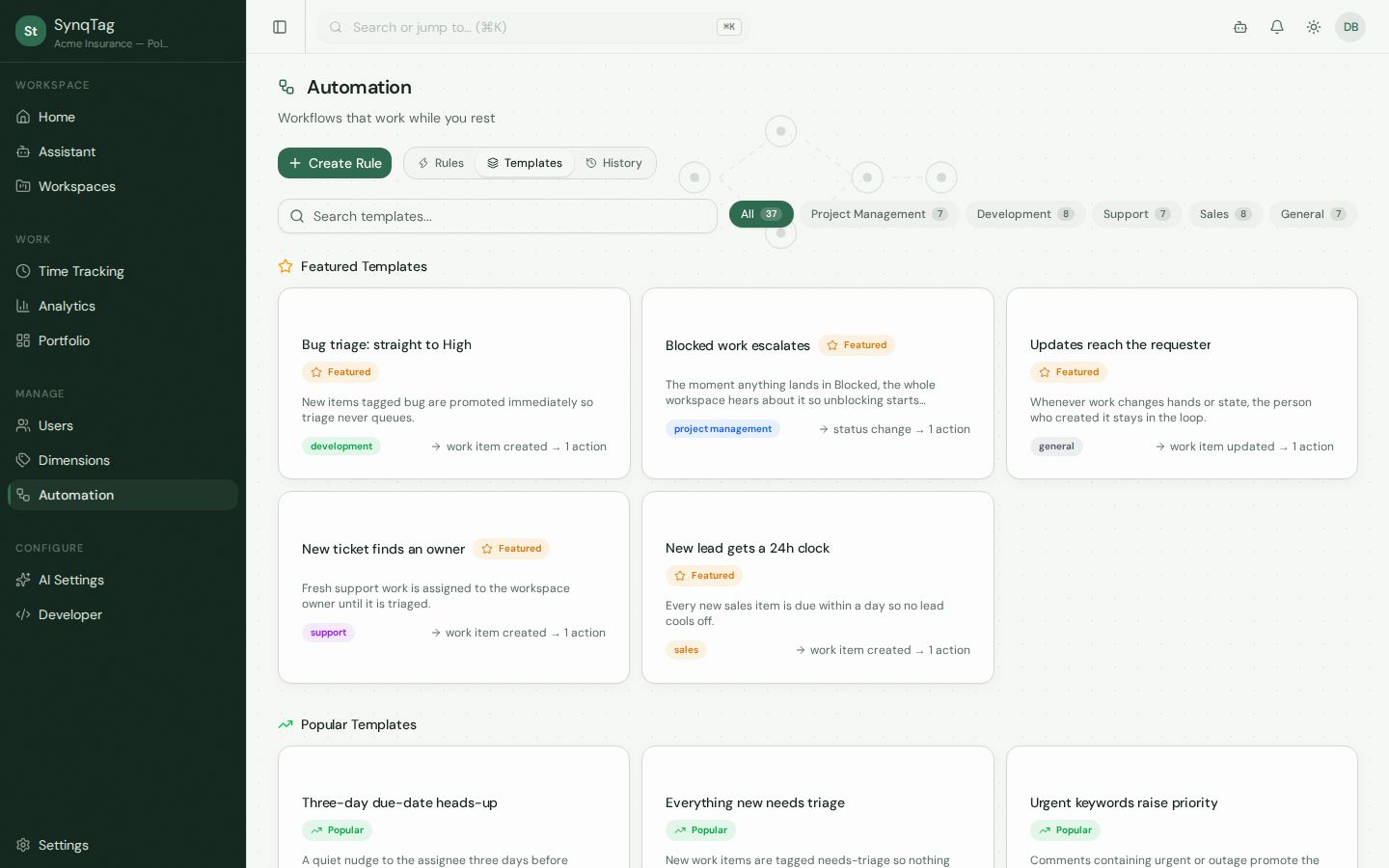
Automation
Rules, a template library, and an execution history. The library is grouped and searchable. Start from a template or build a rule from a trigger and one or more actions.
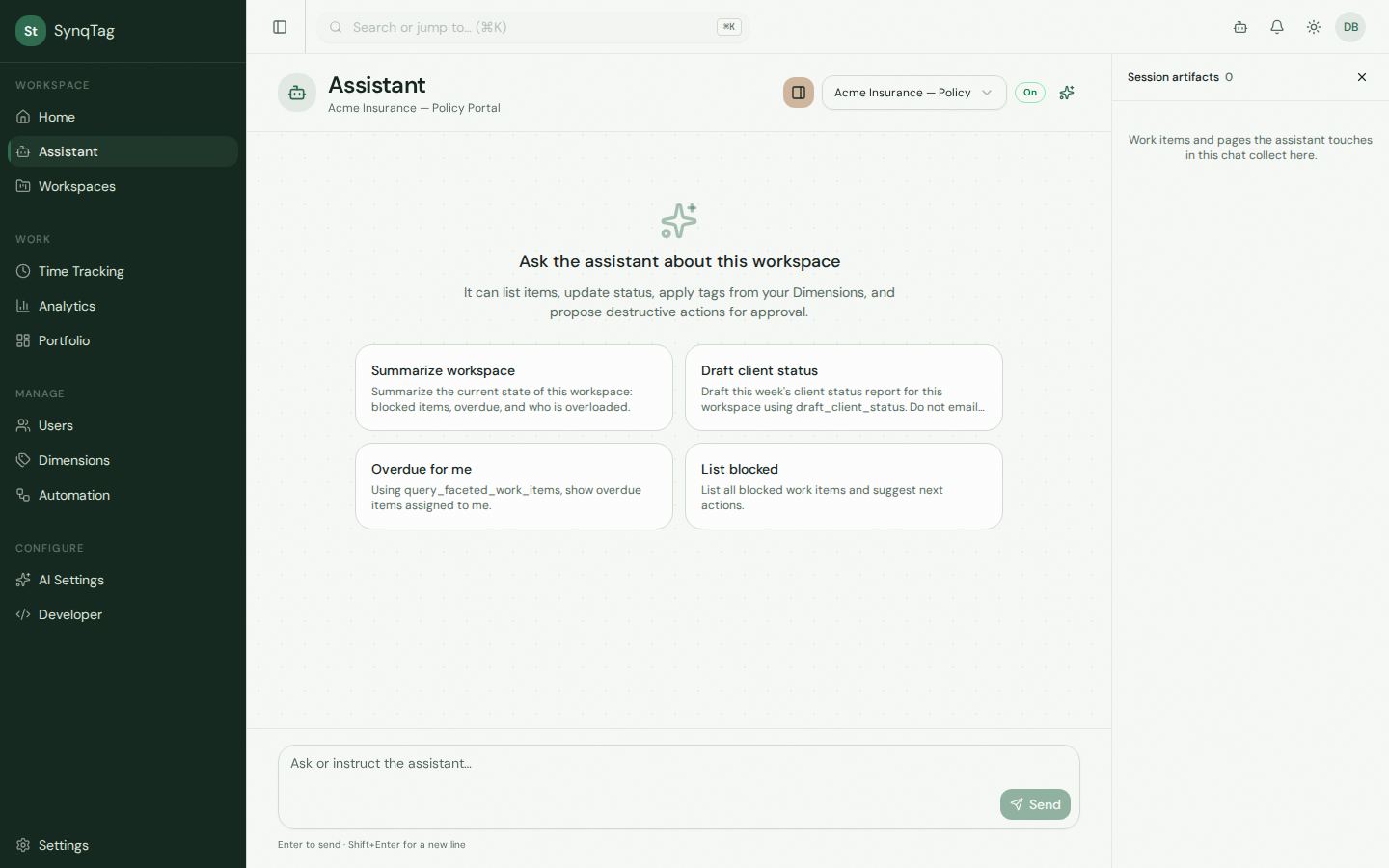
Assistant
Pick the workspace, then ask. The prompts on the empty state are the ones the product ships with. It will not email a client status unless you take that step yourself.
Feature notes sit beside these screens. Pricing is two plans.